Skip to content
Xiandou Home
GuidesDownload中文
Xiandou Home / Guides

Bead pattern guides

Choose an entry by what you have: a photo, words, pixel art or a bead chart. Use the tools below to align a grid or draw from scratch.

Four ways to create

The person in yellow in the reference image, beside the generated pixel pattern preview

Photo to Pattern

Photo to Pattern tutorial | Generate a bead pattern with AI

4 steps · WeChat / Apple / HarmonyOS
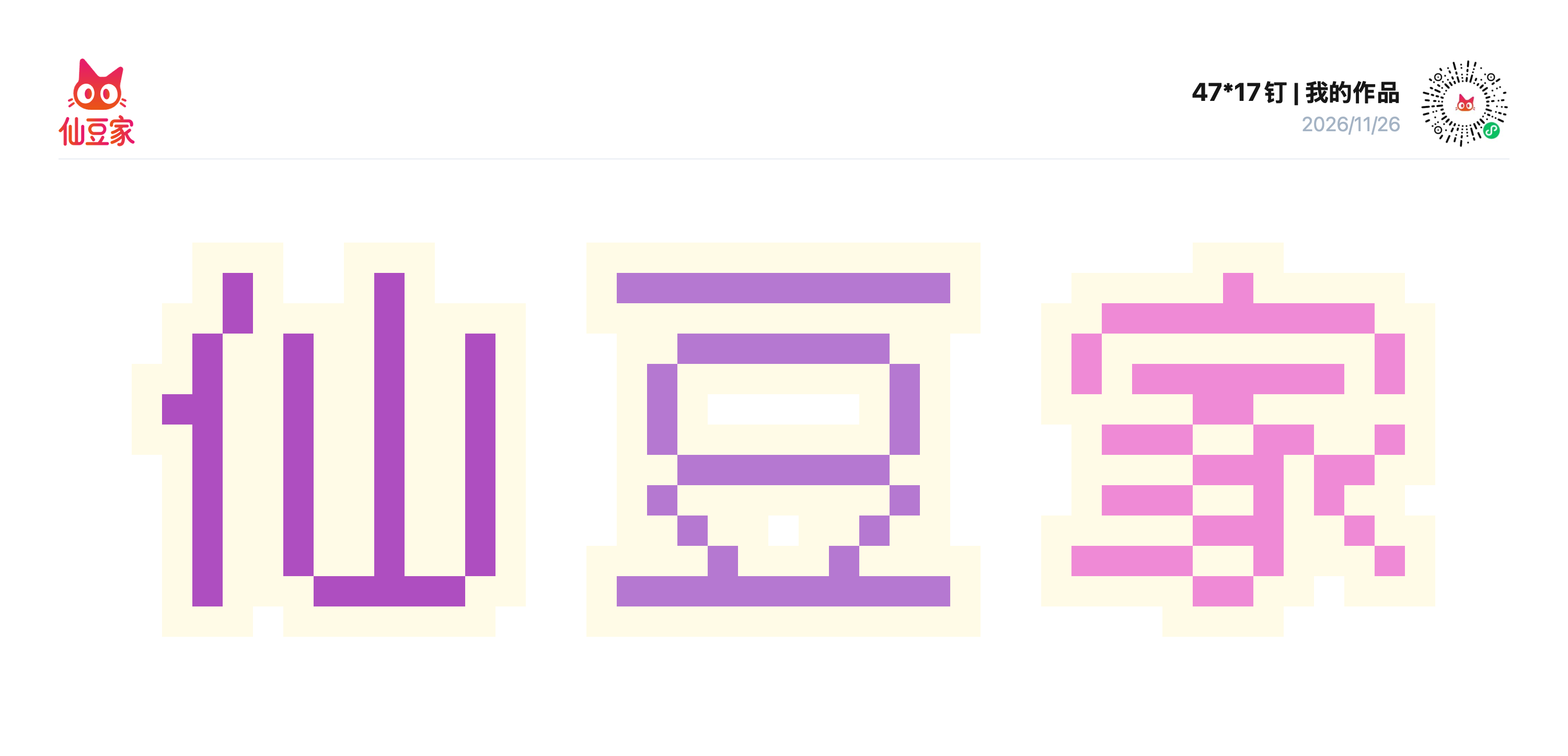
Pixel lettering spelling 仙豆家 in purple and pink with a cream outline

Text to Pattern

Make a pixel-letter nameplate

5 steps · WeChat / Apple / HarmonyOS

The finished pattern from the Quick conversion example

Automatic Pattern

Quick conversion tutorial | Get a bead pattern in seconds

4 steps · WeChat / Apple / HarmonyOS

Finished pixel pattern for the 90 × 104 sample shown in this guide

Xiandou Assistant

How to recognize bead charts with Xiandou Assistant

6 steps · WeChat / Apple / HarmonyOS
Two creation tools

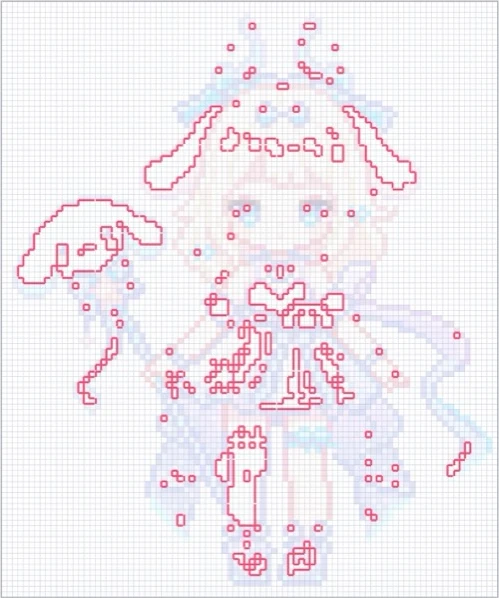
Blue lines at 23-pixel spacing drift apart from the chart toward the lower right

Align Grid

Fix a drifting bead chart grid

4 steps · WeChat / Apple
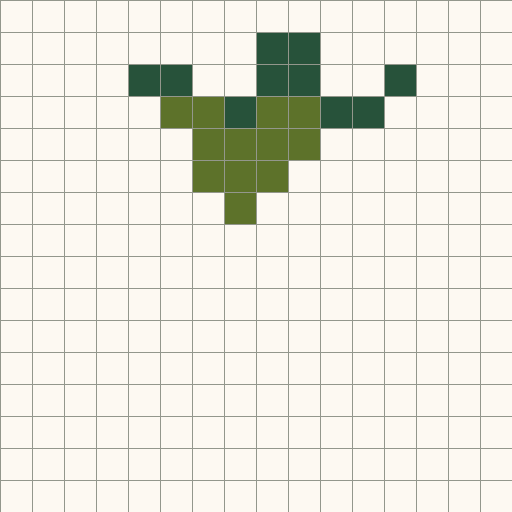
Two shades of green form a leafy cap inside a 16 × 16 grid

Free Create

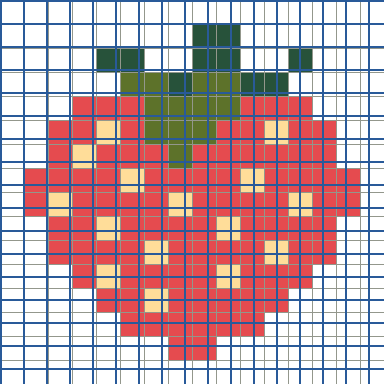
Draw a strawberry on a blank bead canvas

4 steps · WeChat / Apple / HarmonyOS

After the pattern is ready

A pixel pattern of red roses tied with a red bow

Bead counts and export

How many beads does this rose bouquet take?

4 steps · WeChat / Apple / HarmonyOS
Bead pattern grid with the current color outlined

Smart bead board

How to use a smart bead board

8 steps · Apple
Bearger Studio · 浙ICP备2024093426号
PrivacyTerms
Website statistics

Turn this off to stop sending website usage statistics from this browser.