 Xiandou Home
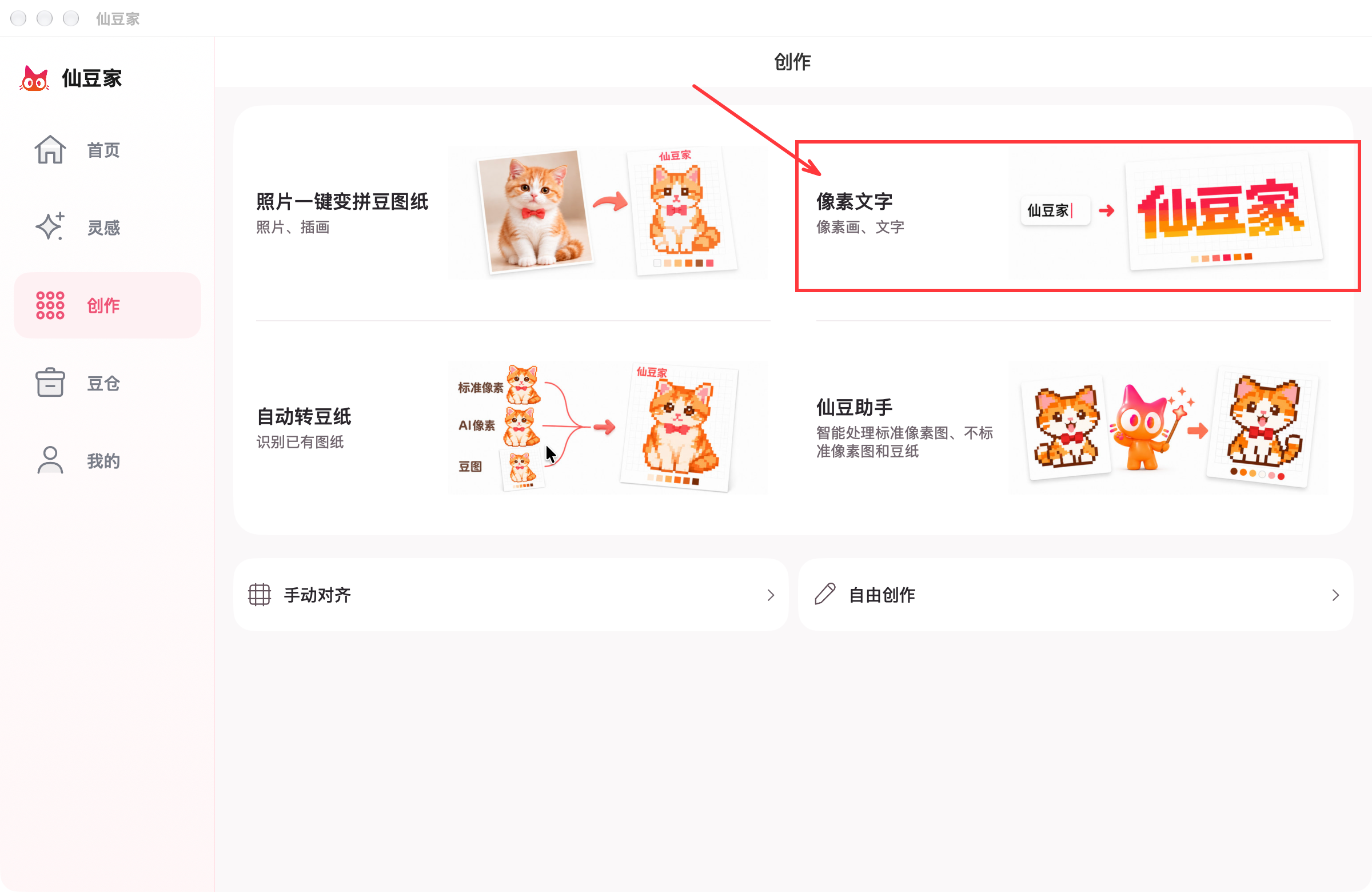
1Open Pixel Text and enter a name
In Xiandou Home, open Create and choose Pixel Text. Enter 1–20 characters, such as 仙豆家 (“Xiandou Home”). Choose Horizontal or Vertical, then set the alignment. This guide uses screenshots from the Mac app.
2Choose a font and check the strokes
Open Font and choose a typeface. If a card says Tap to download, select it and wait for Font ready, then check the current preview. For a small nameplate, try a 12-pixel font first and check the thin strokes and spaces inside each character.
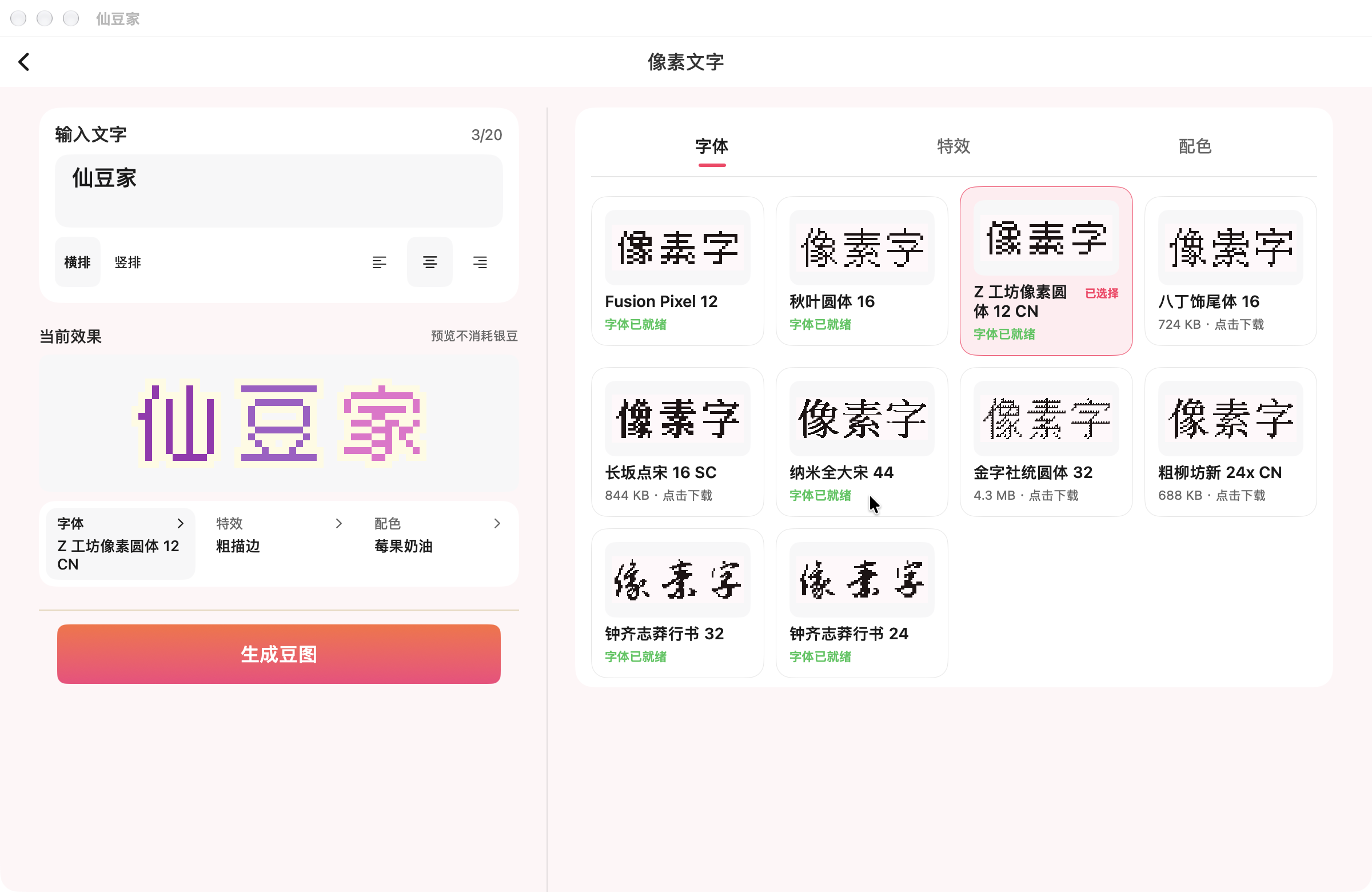
3Add an effect
Open Effect. Start with Original to check the strokes, then try Bold Outline, Double Outline, or Drop Shadow. Check the current preview after each change to see whether the spaces inside the letters are still clear.
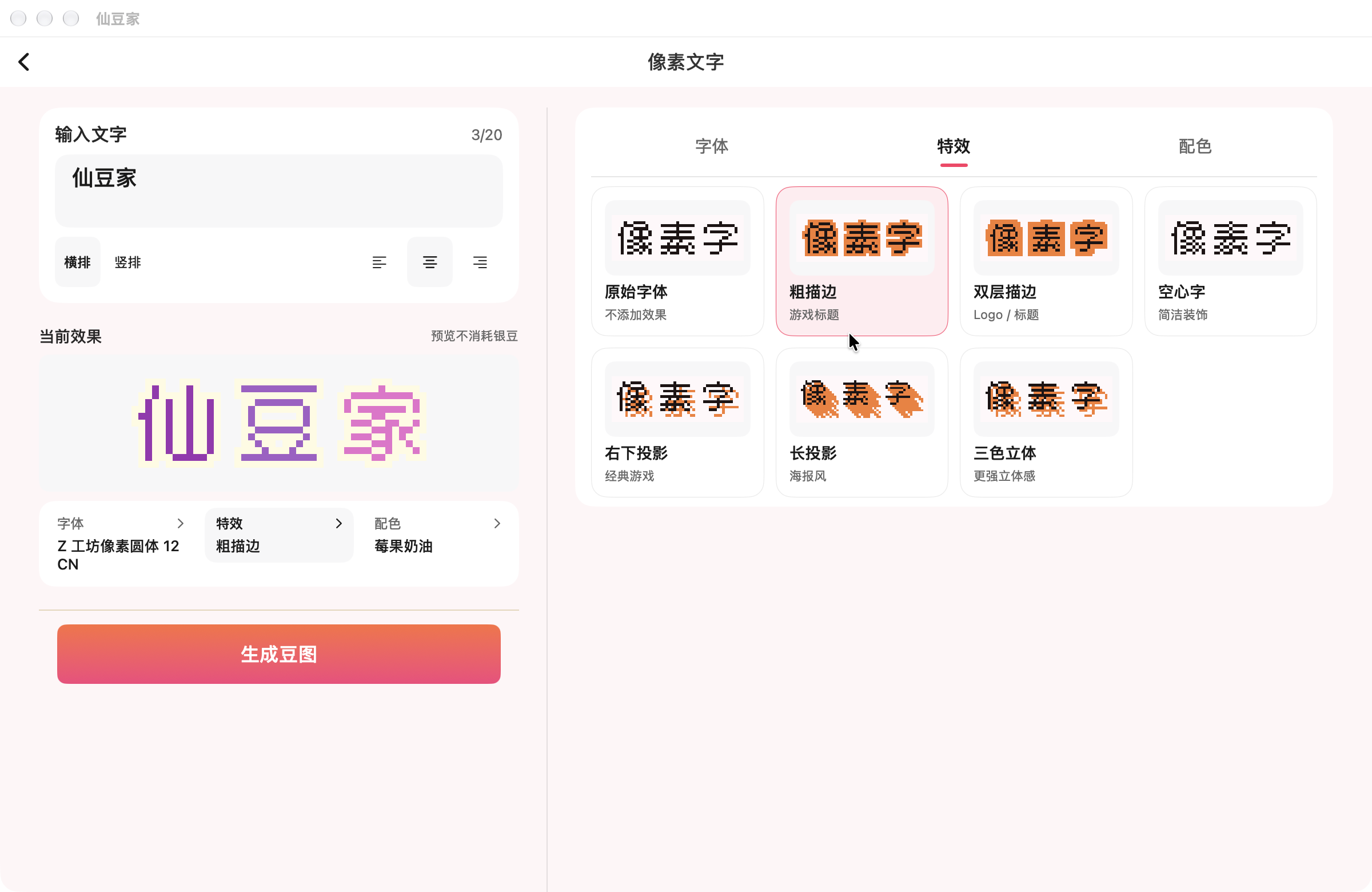
4Choose colors and check the preview
Open Colors and choose a scheme that makes the letters easy to distinguish from the outline. Each card previews the current font and effect and lists bead color codes. Previewing uses no Silver Beans, so you can try several schemes.
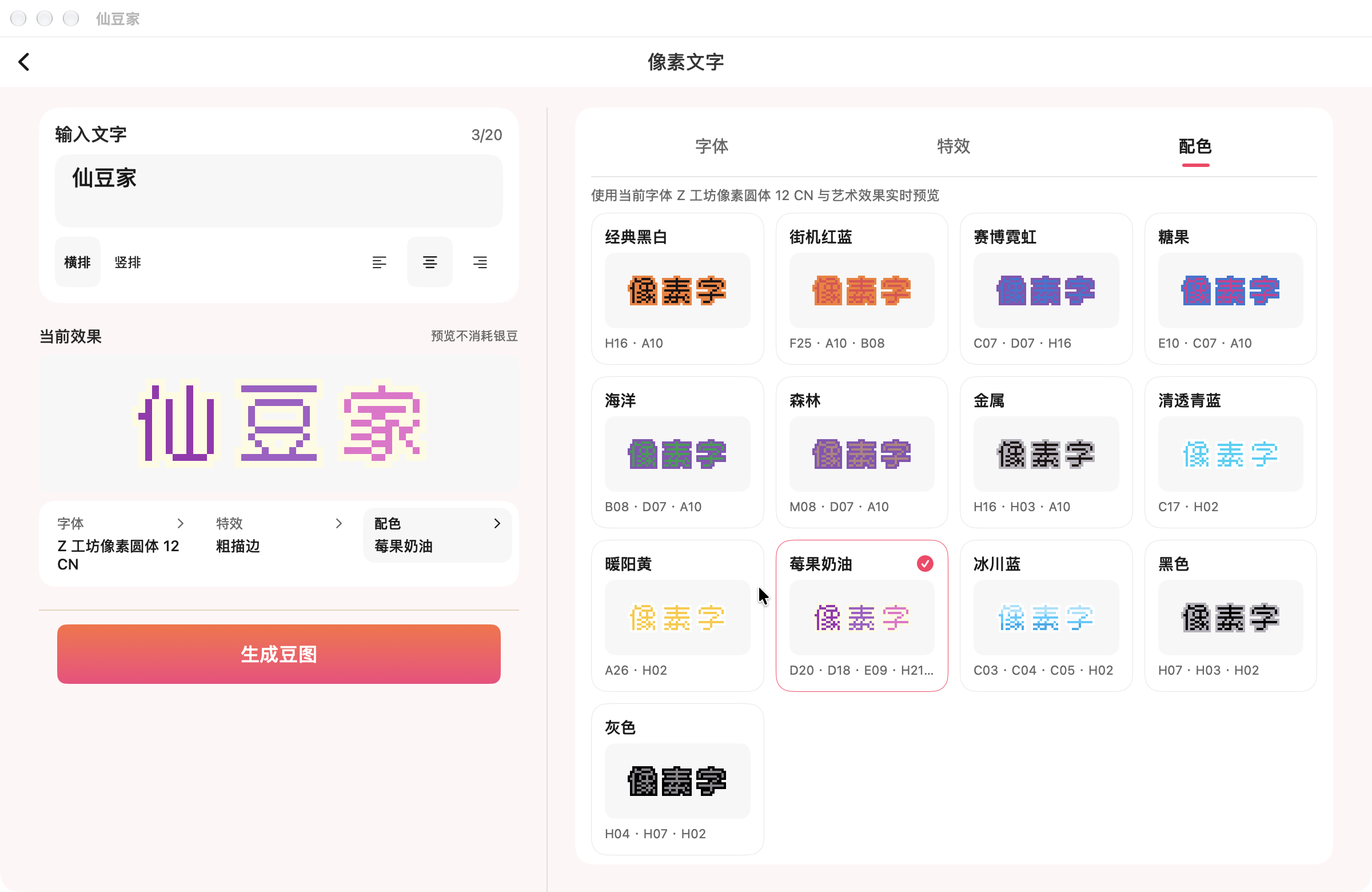
5Create the pattern and check your supplies
When you are happy with the preview, select Create Pattern. Check the finished chart’s width, height, color codes, and bead counts. Leave room on the pegboard for a border or hanging hole if needed.
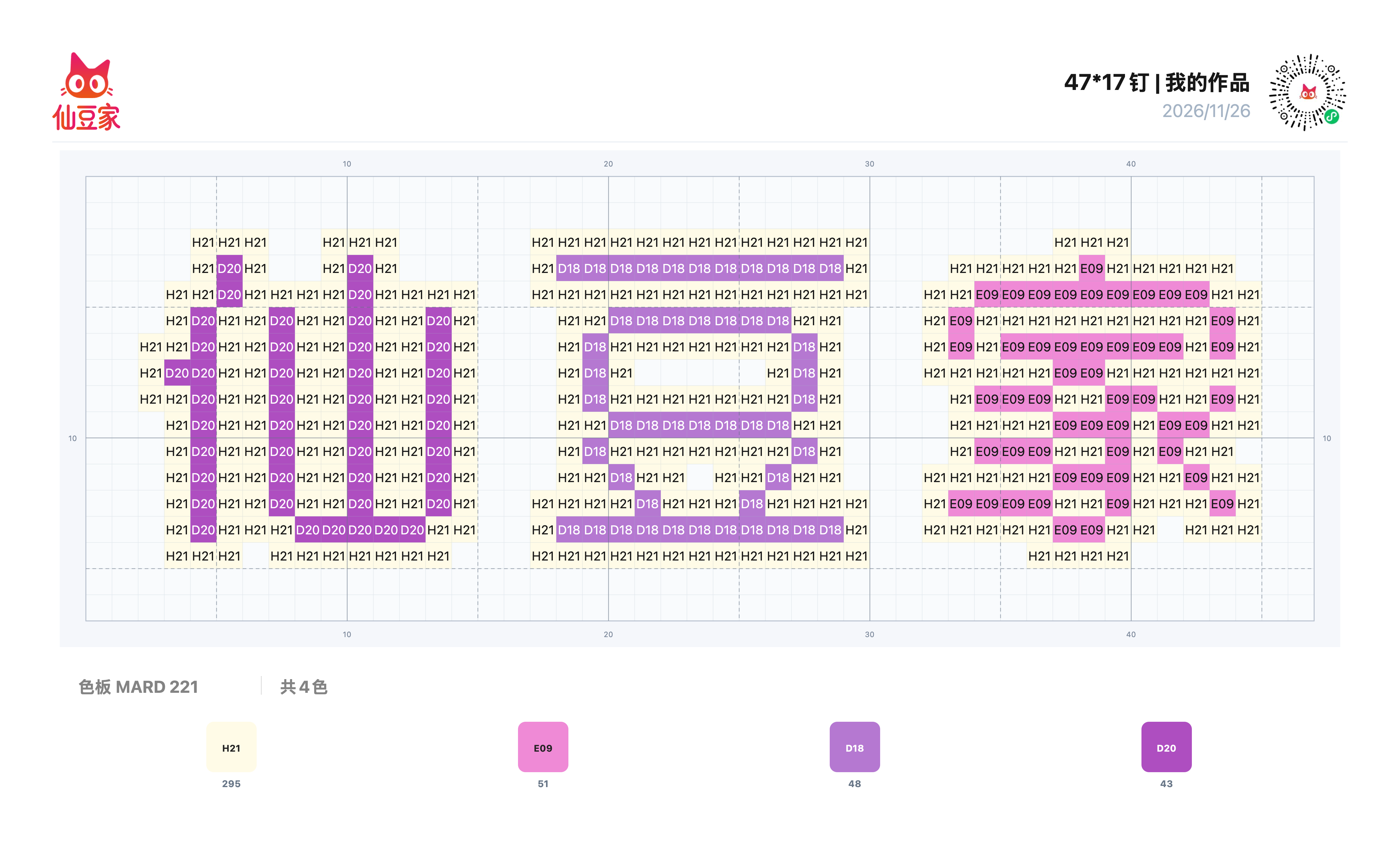
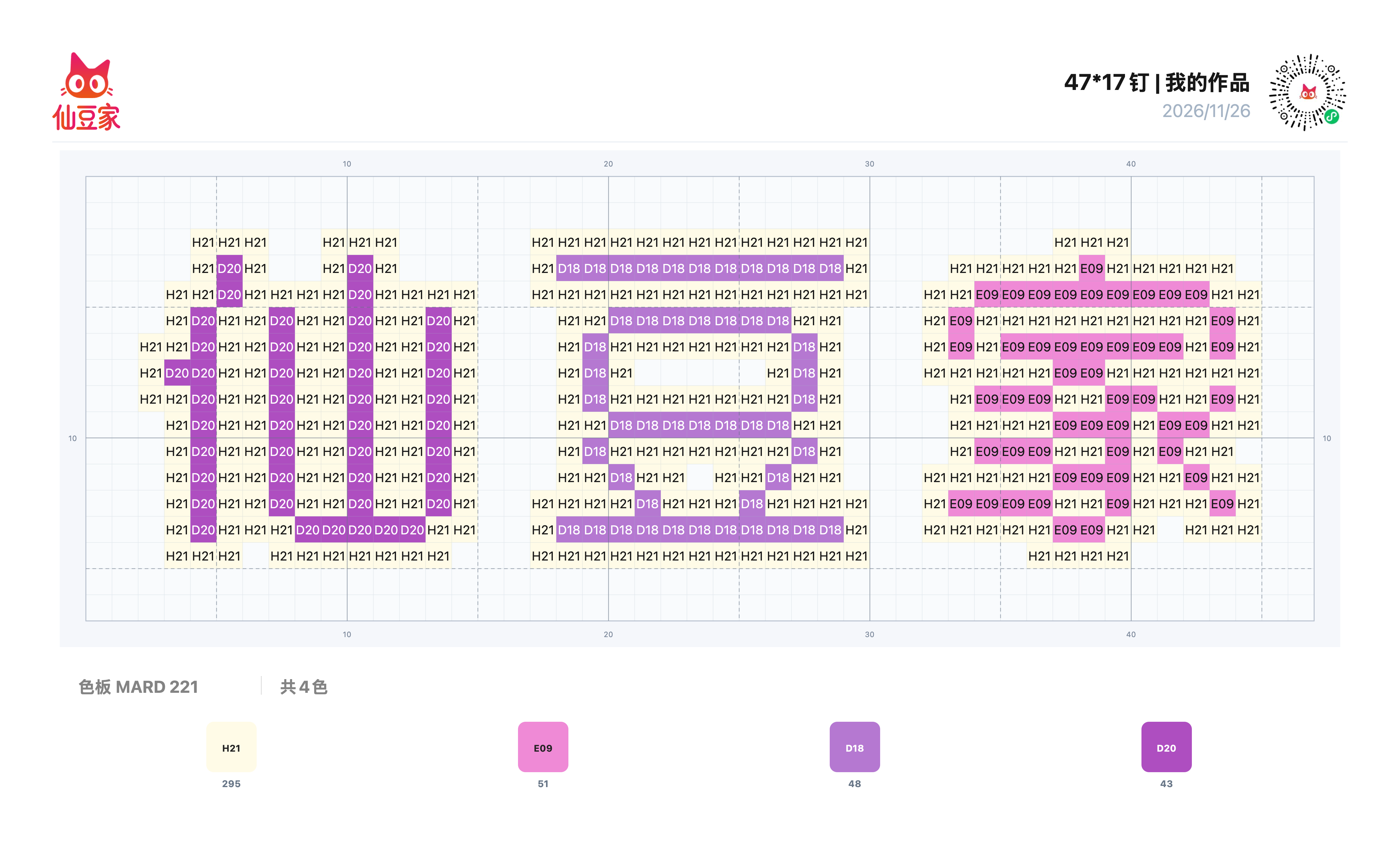
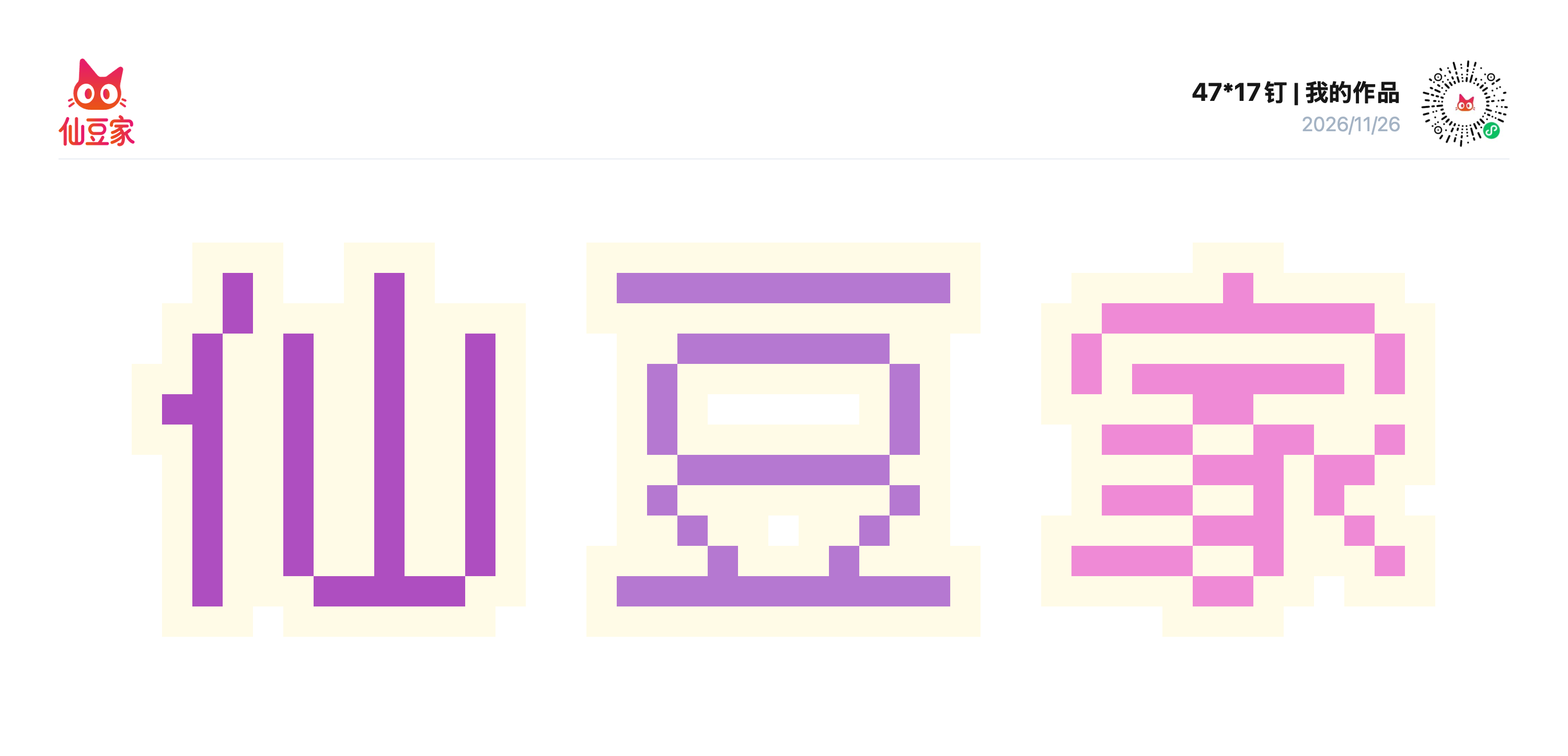
The 仙豆家 example uses a 47 × 17 grid and four MARD colors. The design uses 295 H21 beads for the cream outline, plus 43 D20, 48 D18, and 51 E09 beads for the lettering. Download the full-size PNG below to see the color code on each filled cell.