 Xiandou Home
1Read the direction of the error
Use Align Grid when the source already has a grid and the detected origin or spacing is off. Set the grid over the source before sampling its cells.
Choose manual alignment and open the practice chart. Trace the grid from the top left to the bottom right. Increasing drift points to the spacing. A constant shift points to the starting position.
2Set the origin and spacing
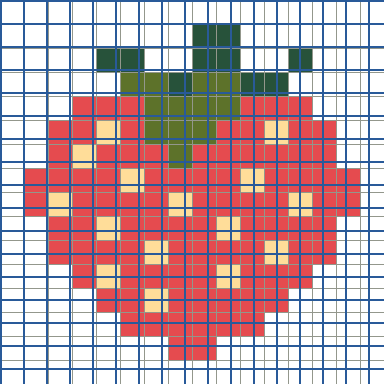
Place one intersection on a clear source intersection, then look several cells along both axes. This example has 16 rows and 16 columns. Check that the first and last intersections follow the source lines.
3Count the seeds
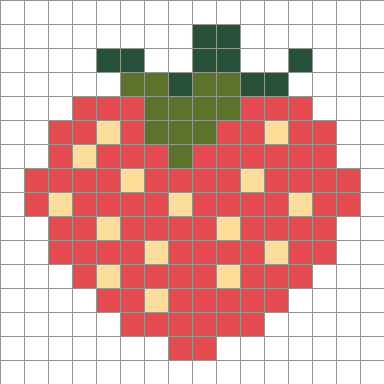
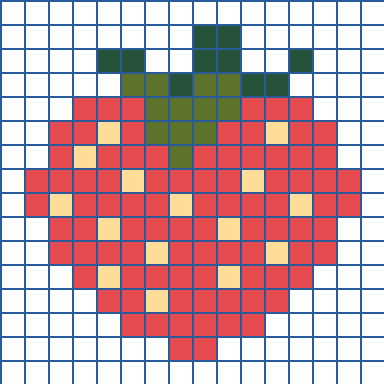
These are two sampling runs on the same input file. The spacing is measured in source-image pixels. Sampling at 23-pixel spacing found only six A11 seeds. The correct spacing recovered all 15. Check the other colors too: 89 red F25 cells and 22 green cells in total.
4Remove the white background
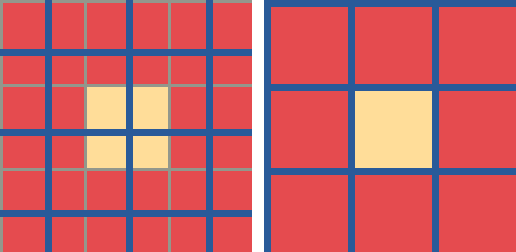
Correct alignment still produces 130 H02 cells from the white paper in this example. Clear these empty spaces. The finished design takes 126 beads.